How to Sign Up for Lytus C.O.R.E (Step by Step)
The complete guide to getting started with Lytus C.O.R.E — from creating your account to launching your first campaign and receiving your first buyer intent alert.
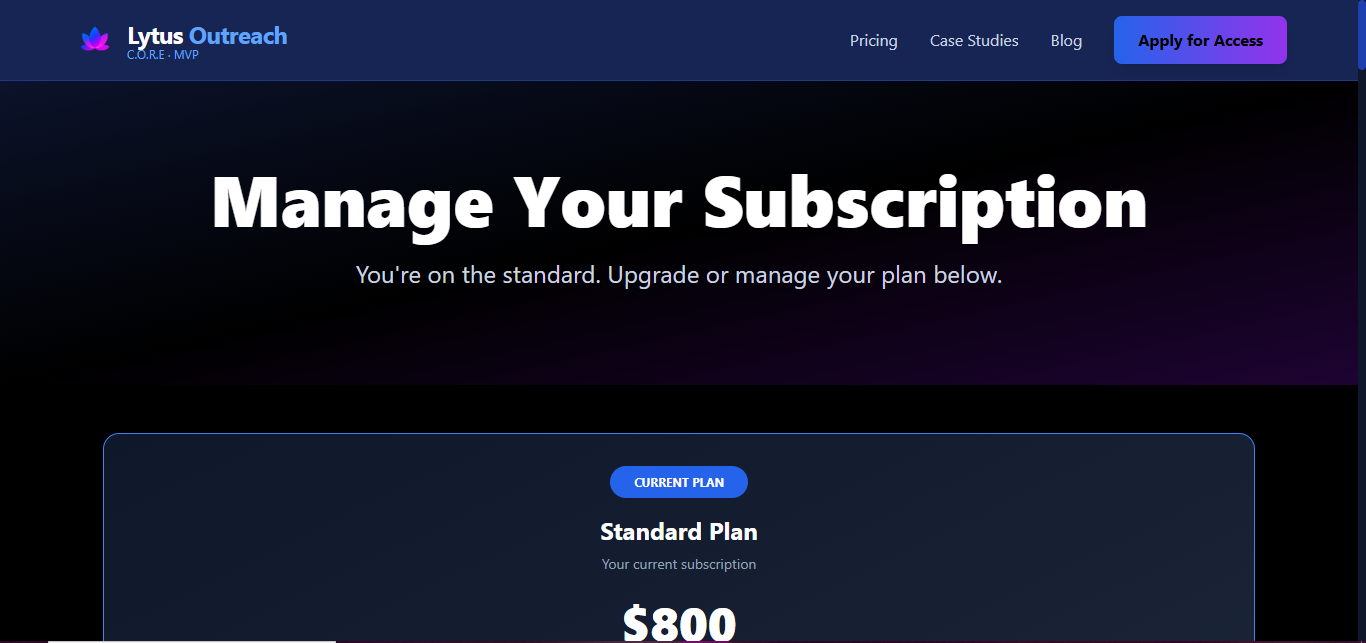
Lytus C.O.R.E takes about ten minutes to set up from scratch.
This guide walks through every step — account creation, avatar setup, campaign launch, and what happens when your first alert comes in.
If you're still evaluating whether C.O.R.E is right for you, start here to understand what it is and what it isn't. If you're ready to start, keep reading.
Is C.O.R.E Right for You?
C.O.R.E is built for B2B businesses closing deals worth $1,000–$50,000. If you're selling a service or SaaS product to other businesses and your biggest challenge is knowing who to reach out to and when — C.O.R.E is for you.
It's not the right fit if you need 10,000 leads per month for mass email sequences, you're prospecting local businesses (that's LeadsGorilla's territory), or you want a done-for-you agency service. C.O.R.E is self-serve. You use it. We run the infrastructure behind it.
Step 1 — Create Your Account
Go to outreach.lytus.co/signup.
This is the app platform — where the dashboard, campaigns, and alerts live. The marketing site is lytus.space. If you're reading this there, the app is at outreach.lytus.co.
Create your account with your email and a password. No credit card required at this stage.
Step 2 — Choose Your Plan
During the MVP phase (open until April 10, 2026), founding member pricing is available:
- Trial month 1: from $75 with a promo code (three tiers: $50, $75, $100)
- Months 2–7: $700/month (founding member discount)
- Month 8+: $800/month standard
- Annual option: $8,800/year for founding members, $9,000/year standard
Only 150 spots are available at founding member pricing. After April 10, standard pricing applies permanently.
Step 3 — Create Your Ideal Customer Avatar
This is the most important setup step. Your avatar tells C.O.R.E who to watch for.
You define:
- Industry — which sectors your ideal customers operate in
- Company size — headcount range or revenue range
- Geography — which regions or countries you serve
- Signals to prioritise — funding, hiring, review drops, ad activity, leadership changes
- Confidence threshold — how strong the signal needs to be before you want an alert
The more specific your avatar, the more precise your alerts. Start specific — you can always expand later. A broad avatar means more alerts but more noise.
Step 4 — Launch Your Campaign
Attach your avatar to a campaign and turn it on.
That's it for setup. C.O.R.E begins monitoring immediately. The signal engine runs continuously in the background, checking 12 public data sources every few hours against your avatar criteria. You don't need to do anything during this phase.
Step 5 — Review Your First Alert
When C.O.R.E detects a company that crosses your confidence threshold, you receive an alert in your dashboard and via email. Each alert includes:
- The company — name, basic profile, and contact path
- Which signals fired — and when they were detected
- Why now — a plain-English explanation of what changed
- Suggested angle — based on the specific signals that triggered the alert
- Confidence score — 0 to 100
You review the alert and decide whether to act on it. C.O.R.E never reaches out on your behalf.
Step 6 — Draft and Send Your Outreach
C.O.R.E's Email Studio contains psychology-backed templates tied to specific signal types.
- Alert triggered by funding → template built around growth positioning
- Alert triggered by hiring → template built around scaling needs
- Alert triggered by a competitor review spike → template built around vendor switching
You edit the template, personalise it to the specific company, and send it yourself from your own email. Manual send, always. This is intentional — here's why we don't auto-send.
What to Expect in the First 30 Days
C.O.R.E is not a volume tool. You won't receive 500 leads in week one. You'll receive a smaller number of high-confidence opportunities — companies genuinely signalling need for what you sell, right now.
One company in a genuine buying window is worth more than 200 companies on a cold static list.
In the first 30 days: review every alert, reach out to every high-confidence opportunity, and track which signals correlate with your best conversations. That feedback makes your avatar sharper over time.
Getting Help
For questions, email info@lytus.co. The founder reads every message. There's no chatbot, no ticket queue, no outsourced support team.
Ready to Start?
150 founding member spots are available until April 10, 2026. After that, standard pricing applies and founding member rates are gone permanently.